A slicer that sets itself up.
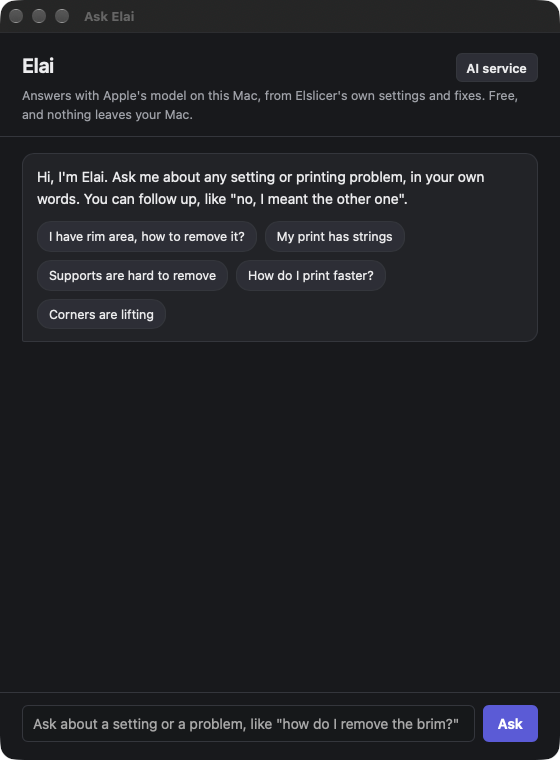
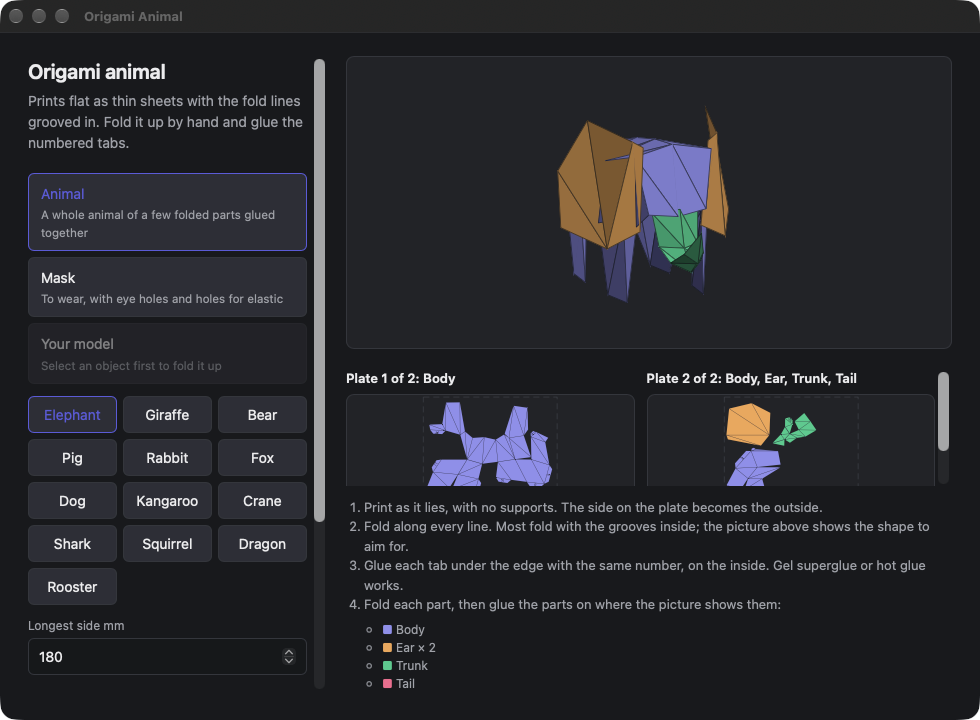
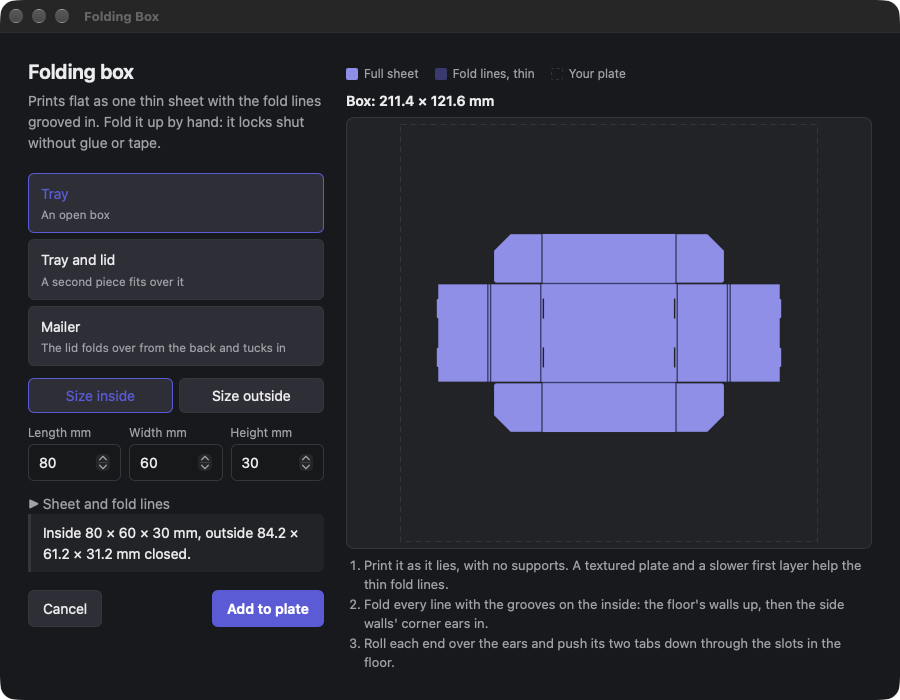
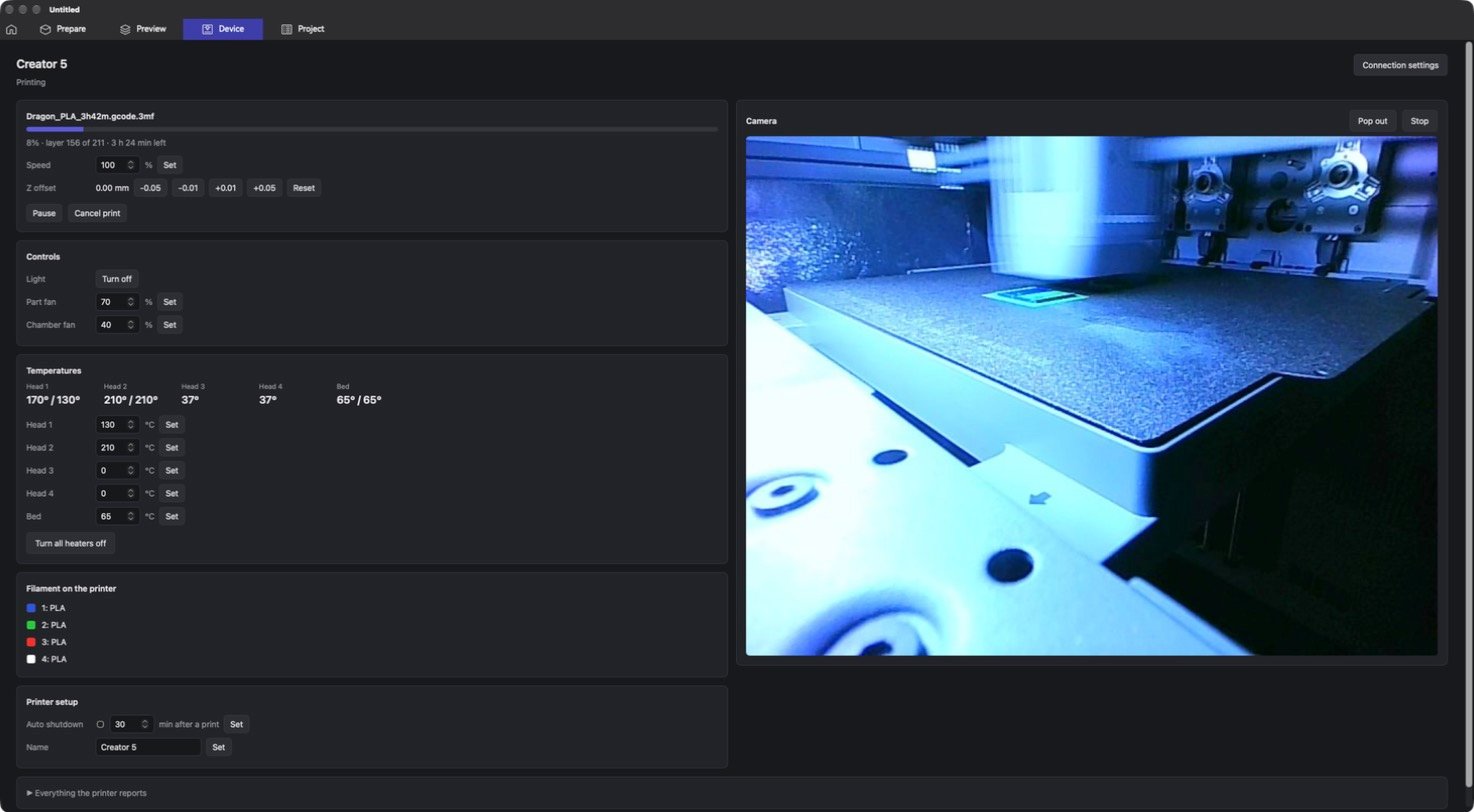
Elslicer is OrcaSlicer with the parts I kept wishing for. Tell it what the print is for and AI picks the settings. Ask it about a problem in your own words. Make origami animals, folding boxes and nesting dolls from a few clicks, fit a crown to a head, mix new colours from the filaments you have and fade one into another, and watch the printer, its camera and every print you've made, without leaving the app.
Based on OrcaSlicer 2.5 · open source (AGPL-3.0) · every OrcaSlicer printer and setting is still there
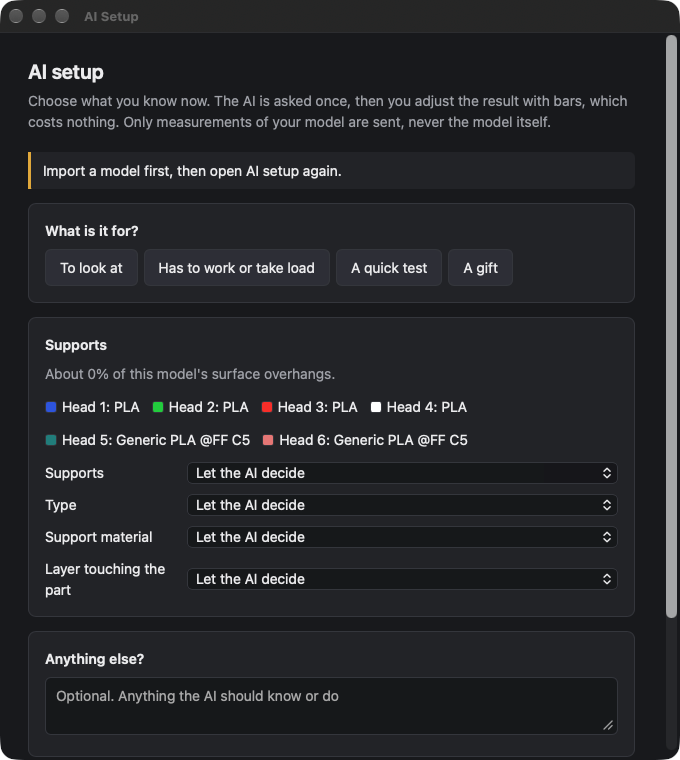
Settings from what the print is for
Open AI Setup, say whether it's to look at, has to take load, is a quick test or a gift, and choose what you already know about supports. The AI is asked once; after that you fine-tune with bars that move between the settings it sent, at no extra cost. Only measurements of your model are sent, never the model itself, and everything it may change is checked against a list of safe settings and limits.
Things to print, made for you
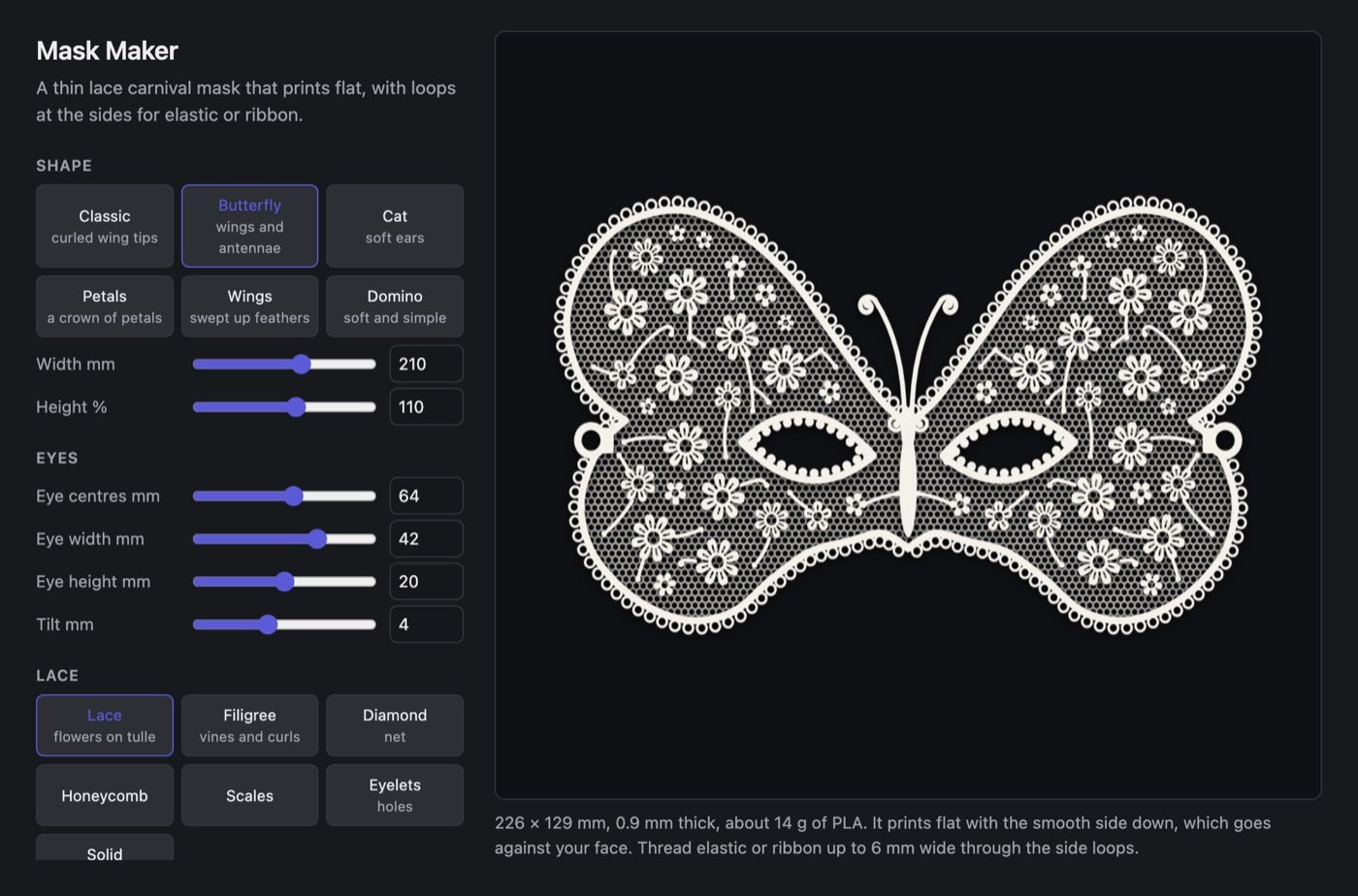
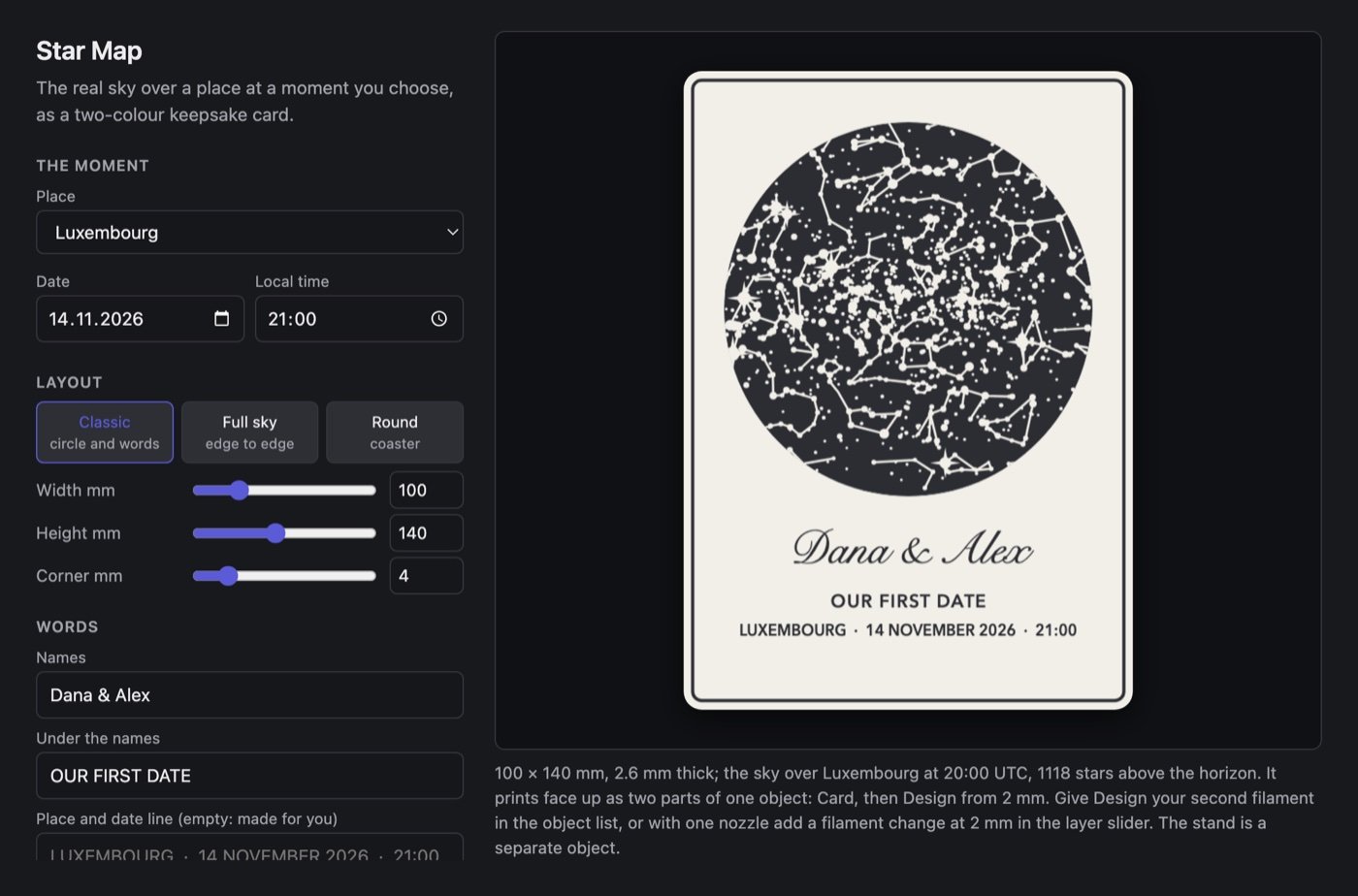
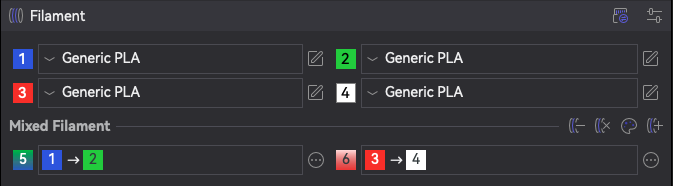
More colours than you have filaments
Two filaments of the same material, printed in alternating thin layers, read as a new colour. Elslicer makes those mixes for you, shows what they will look like before you print, and can run one colour into another across a whole object.
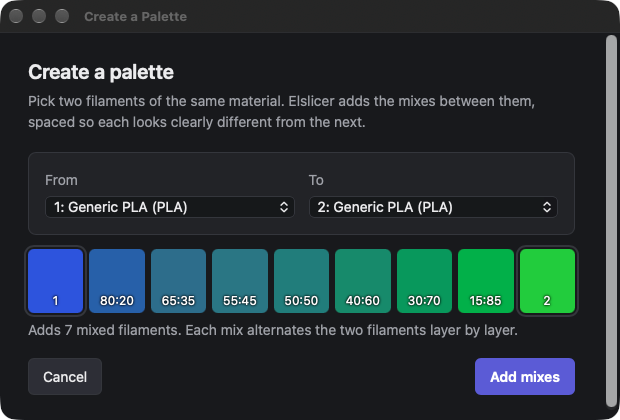
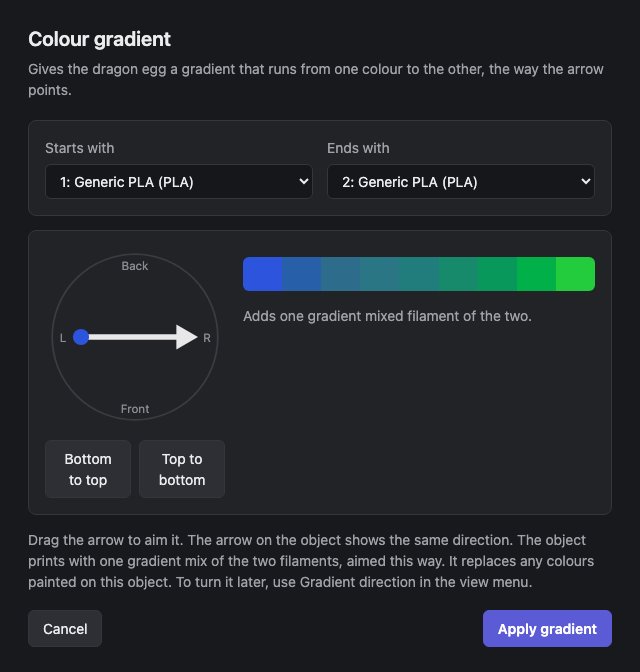
Your printer, its camera and every print
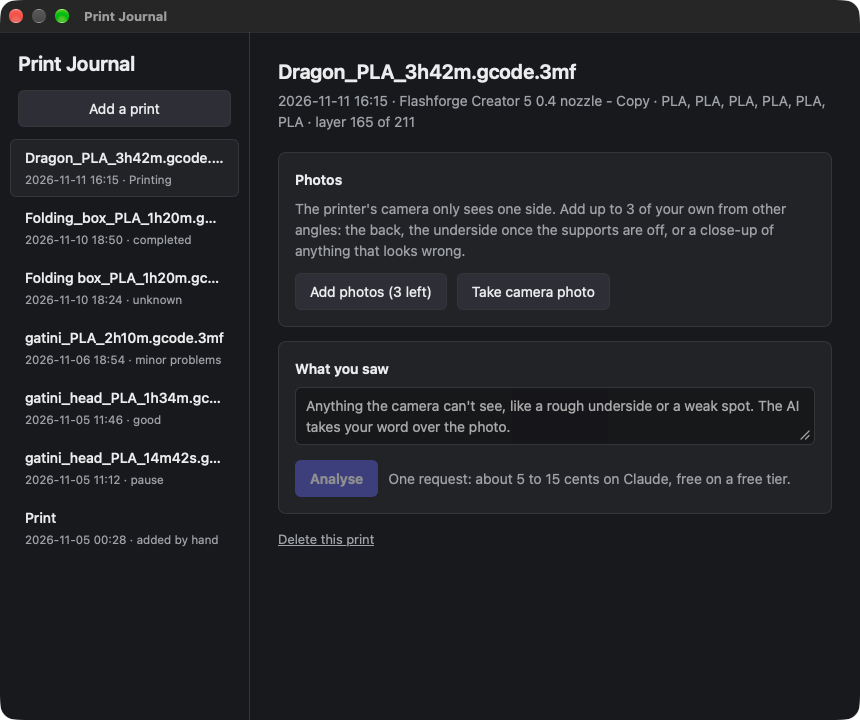
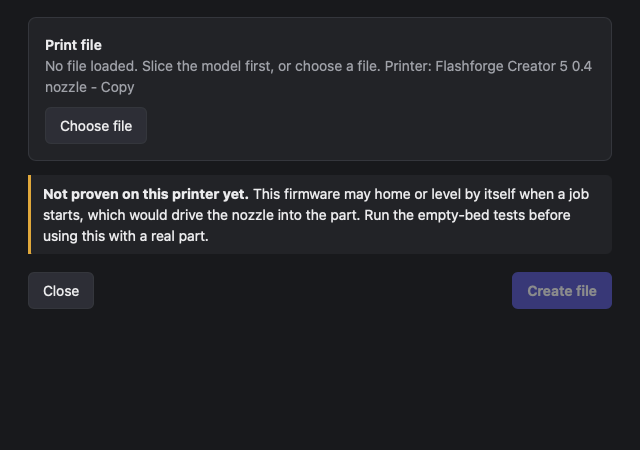
Fewer prints that fail before they start
Install in a minute
- 01
Download and drag to Applications
Elslicer.dmg always points at the latest version. Signed and notarized by Apple. Needs a Mac with Apple Silicon and macOS 27.
- 02
Pick your printer
The setup wizard lists every OrcaSlicer printer. To use the printer dashboard, add the printer's address and allow Elslicer on your local network when macOS asks.
- 03
Choose an AI, if you want one
Elai works free on the Mac's own model. For AI Setup and photo checks, add a key for the service you prefer under AI service.
Free, and made by one person
Elslicer is built on OrcaSlicer and its community's work, and like it is free and open source under the AGPL. It is not made by or affiliated with the OrcaSlicer team. Models, prints and photos stay on your Mac; only what you send to an AI service you chose leaves it. If it saves you a failed print, a coffee on Ko-fi keeps it going. After a few days of use it asks once a month whether you like it, and stops for a year if you've donated (in the other itzkin apps too).